
Updated 2026-09-28 · Update 29.5
Blox Fruits Wiki — Fruits, Values, Stock & Codes
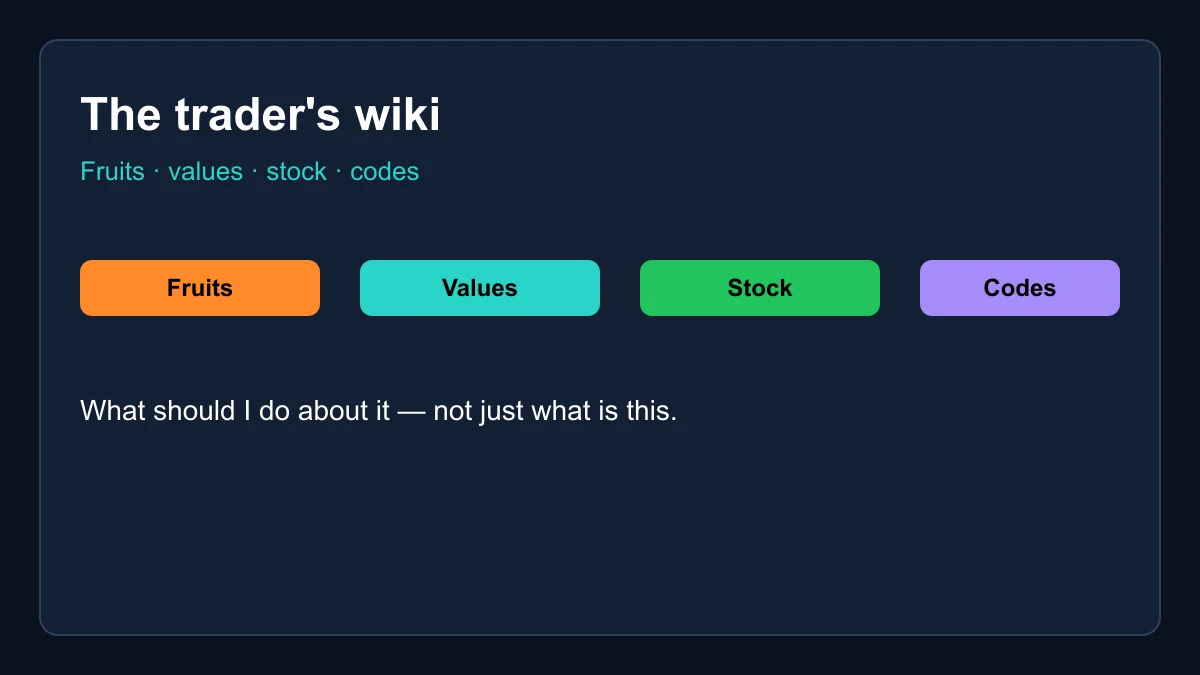
The trader's wiki: every fruit with live values and demand, the stock rotation explained, working codes and the trade calculator — without the thousand-page sprawl.
All fruits
 Dragon Mythical · S tier
  Kitsune Mythical · S tier
  Yeti Mythical · S tier
  Leopard Mythical · S tier
  Gas Mythical · A tier
  Dough Mythical · S tier
  Spirit Mythical · A tier
  Control Mythical · A tier
  Venom Mythical · A tier
  Shadow Mythical · A tier
  Portal Legendary · A tier
  Buddha Legendary · A tier
  Mammoth Mythical · B tier
  T-Rex Mythical · B tier
  Phoenix Legendary · B tier
  Gravity Legendary · B tier
  Pain Legendary · B tier
  Blizzard Legendary · B tier
  Lightning Legendary · B tier
  Sound Legendary · C tier
  Spider Legendary · C tier
  Love Legendary · C tier
  Quake Legendary · C tier
  Light Rare · C tier
 A Blox Fruits wiki built for traders
Most game wikis try to document everything: every NPC line, every island prop, every quest step. That completeness is admirable, and for deep lore dives the giant community encyclopedias do it better than anyone ever will. This Blox Fruits wiki deliberately plays a different game. It documents the layer of Blox Fruits where decisions cost something — the fruits, their market worth, the dealer rotation and the redeem codes — and wires every article directly into live tools so the information is actionable the moment you read it.
The difference shows in how pages are built. A fruit's entry in this Blox Fruits wiki is not a plot summary; it is the fruit's current physical and permanent worth, its demand score, its trend direction and its tier placement, refreshed weekly and linked straight to the trade calculator. The stock article is not a paragraph of history; it is a countdown you can set an alarm by. Where an encyclopedia answers what is this, this Blox Fruits wiki answers what should I do about it — and for the economy layer of the game, that is the question that matters.
Blox Fruits wiki basics: types, rarities and forms
Every fruit catalogued in this Blox Fruits wiki belongs to one of three types. Natural fruits alter the world or the user's capabilities in ways that reward game sense. Elemental fruits grant a damage-typed body and the classic elemental kits that carry early and mid-game grinding. Beast fruits — the transformation class — dominate the top of the roster, with Dragon, Kitsune, Yeti and Leopard all wearing the type. Type is a fighting-style fact, but it is also a market signal: the Beast class holds four of the five most demanded assets in the entire economy.
Rarity runs from Common up through Mythical and sets the baseline expectation for both power and price, though the mapping is loose — Buddha is merely Legendary yet out-trades several Mythicals on demand alone. The form distinction matters even more than rarity: a physical fruit is consumed the moment you eat it, while a permanent copy is bound to your account and reusable forever. That single mechanic is why perm prices run five to forty times physical, and why the two columns on every entry in this Blox Fruits wiki never match.
The economy layer: values, demand and the dealer
The game has no auction house, so the market lives in trade windows and Discord servers — and prices are consensus, not decree. Our value list distills that consensus weekly: what a fruit actually clears for in real trades, how urgently the market wants it, and which direction the rate has been drifting. Those three numbers — worth, demand, trend — are the entire grammar of Blox Fruits trading, and every fruit entry in this Blox Fruits wiki leads with them.
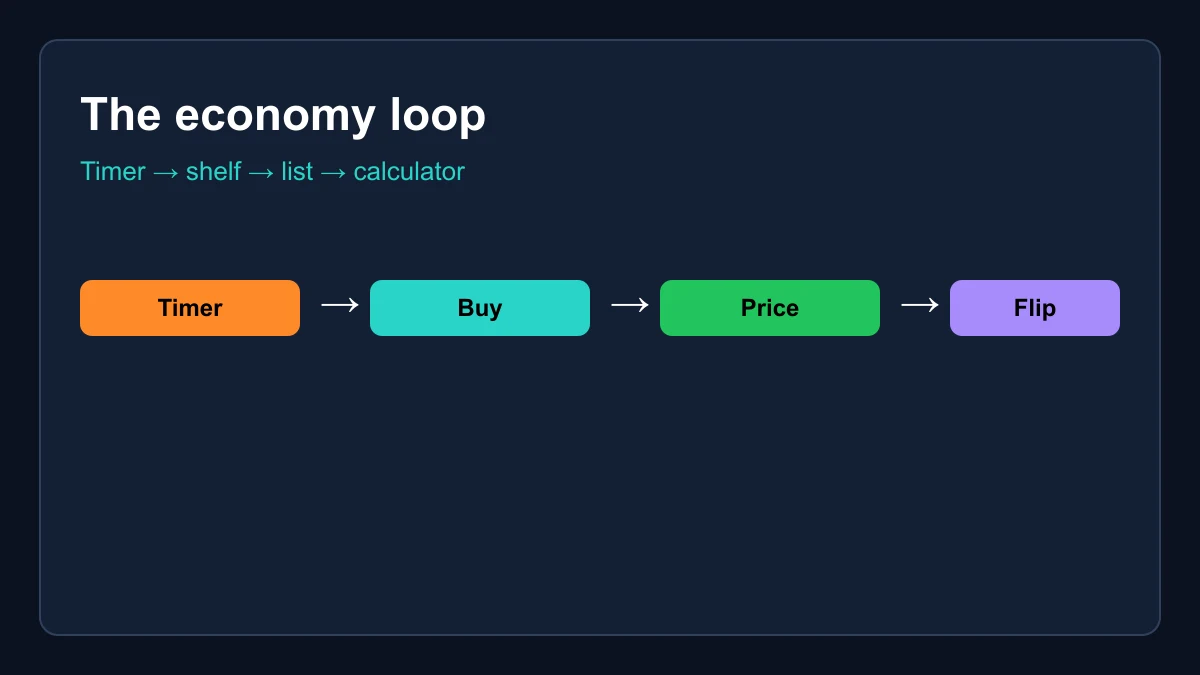
Supply enters through the dealer. His shelf rerolls every four hours on a globally synchronized clock, with the Mirage Island advanced dealer running a richer pool on a two-hour cycle. Because shop prices sit far below trading rates for high-end fruits, a lucky stock window is the single best value event in the game — which is why the stock timer is the most-visited tool in this Blox Fruits wiki. The loop is simple once you see it: watch the timer, buy quality when it appears, price every deal in the calculator, and let the weekly calibration tell you when to hold or flip.
Codes, XP and getting started faster
The codes system is the game's built-in head start. The developers publish redeem codes around updates and milestones — double-XP windows, free stat resets, titles — and the full verified list lives on this Blox Fruits wiki's codes page with one-click copy. For a new player the play is mechanical: redeem every XP code back to back, which chains into roughly six hours of doubled leveling, and bank the stat resets for the moment you discover your first build was a mistake. It is free acceleration, funded entirely by the studio.
Codes also mark the rhythm of the game's development. New ones land when content ships, which makes the codes page an accidental news feed: if a fresh code appears, an update is either here or imminent, and the market usually moves with it. Fruits touched by an update swing in demand within days, sometimes hours. Traders who watch the codes page catch that signal early — one more reason the codes, values and this Blox Fruits wiki live on the same site and link into each other everywhere.
How to actually use this Blox Fruits wiki
A practical route through the site, in the order a session usually flows. Start at the codes page and redeem anything new — thirty seconds, pure profit. Glance at the stock timer next: if a flip is close, stay for the window and cross-check whatever appears against the value list before spending. When an offer lands in a trade window, load both sides into the calculator and let the verdict banner do the arguing. And when you are planning longer term — what to grind toward, what to hold, what to flip — the tier list plus each fruit's trend arrow is your map.
Bookmark the hub or, better, install the site as an app: every page works offline once cached, and the stock countdown keeps counting without a connection because it is computed locally rather than fetched. The whole Blox Fruits wiki is a dozen pages wired around one dataset, so nothing you read here can disagree with the tool sitting next to it. Read once, act immediately — that is the workflow the site is shaped around.
What we deliberately leave out
You will not find full quest walkthroughs, boss movesets, accessory checklists or sea-event lore in this Blox Fruits wiki, and that is by design rather than neglect. The community encyclopedias maintain those at a depth no lean site should imitate, and duplicating them would only produce a worse copy. When your question is where does this quest chain start or what does this boss drop, go there — it is the right tool, and we link out rather than pretend otherwise.
The trade we make for that restraint is depth where money moves. Every fruit entry stays current with weekly calibration. The stock clock is computed, not scraped, so it cannot lag. The calculator, tier list and codes list all share one dataset, which means the numbers agree with each other everywhere on the site — a property sprawling wikis with hand-edited tables struggle to keep. Narrow scope, live data, tools attached: that is the entire editorial policy of this Blox Fruits wiki, and everything on the site follows from it.
Frequently asked questions
Is this an official Blox Fruits wiki?
No — it is an independent fan-made Blox Fruits wiki focused on the trading economy: fruit values, demand, stock timing and codes, refreshed weekly and wired into live tools.
How is this different from the big community wiki?
Scope and freshness. The community encyclopedia documents everything in the game; we cover the economy layer deeply — values, stock, codes, tiers — with weekly-calibrated data and tools like the trade calculator attached to every page.
Where do the Blox Fruits wiki values come from?
Community trading consensus, cross-checked weekly against multiple large trading hubs before publication. The date badge on every page shows the latest calibration.
Does the Blox Fruits wiki cover quests and bosses?
Deliberately not. For walkthroughs and lore we recommend the large community encyclopedias; our depth is reserved for fruits, values, stock and codes, where live data matters most.