
Updated 2026-09-28 · Update 29.5
Blox Fruits Trade Calculator
Price any trade in seconds. Add the fruits you give and the fruits they give — the verdict updates instantly using the same numbers as our value list. Share the result with the trade link, and check the stock timer if you would rather buy than trade.
You give
Total: 0
They give
Total: 0
How the Blox Fruits trade calculator works
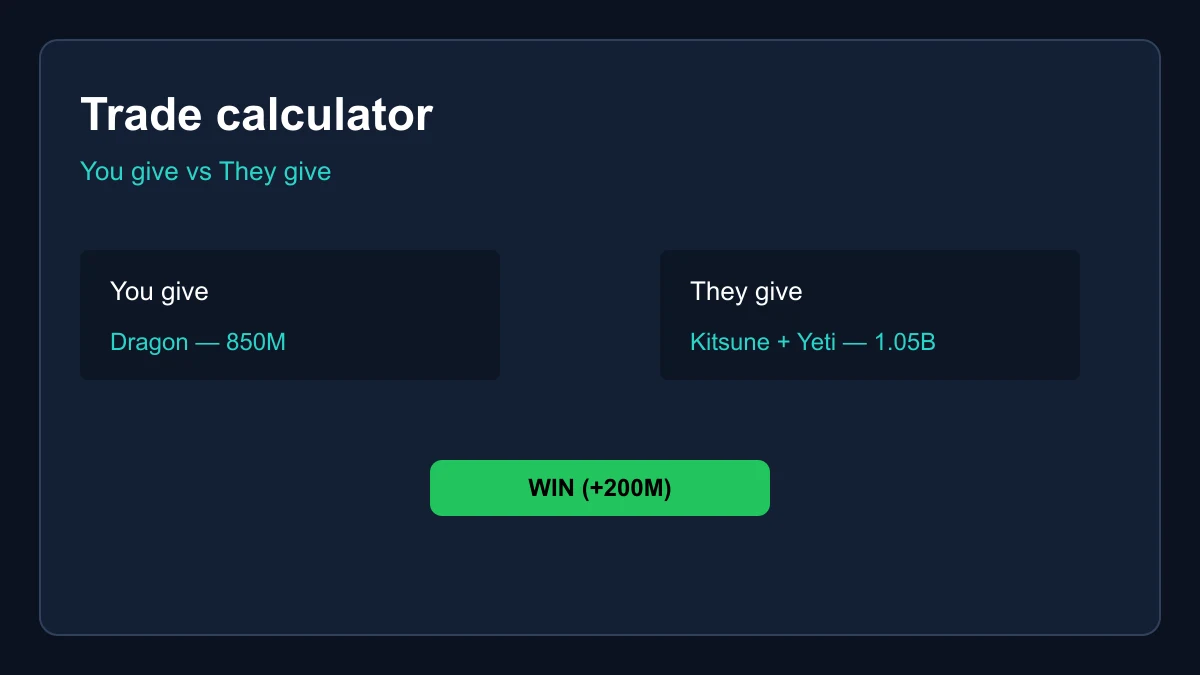
The tool above does one thing and does it honestly: it prices both sides of an offer using the exact same numbers as our value list, then tells you whether accepting would be a win, a loss or fair. Pick a fruit from the dropdown, tick Perm if the offer involves a permanent copy, press Add, and repeat for every item in the window. The two totals and the verdict update with every change, so you can experiment with counter-offers until the banner turns the color you want.
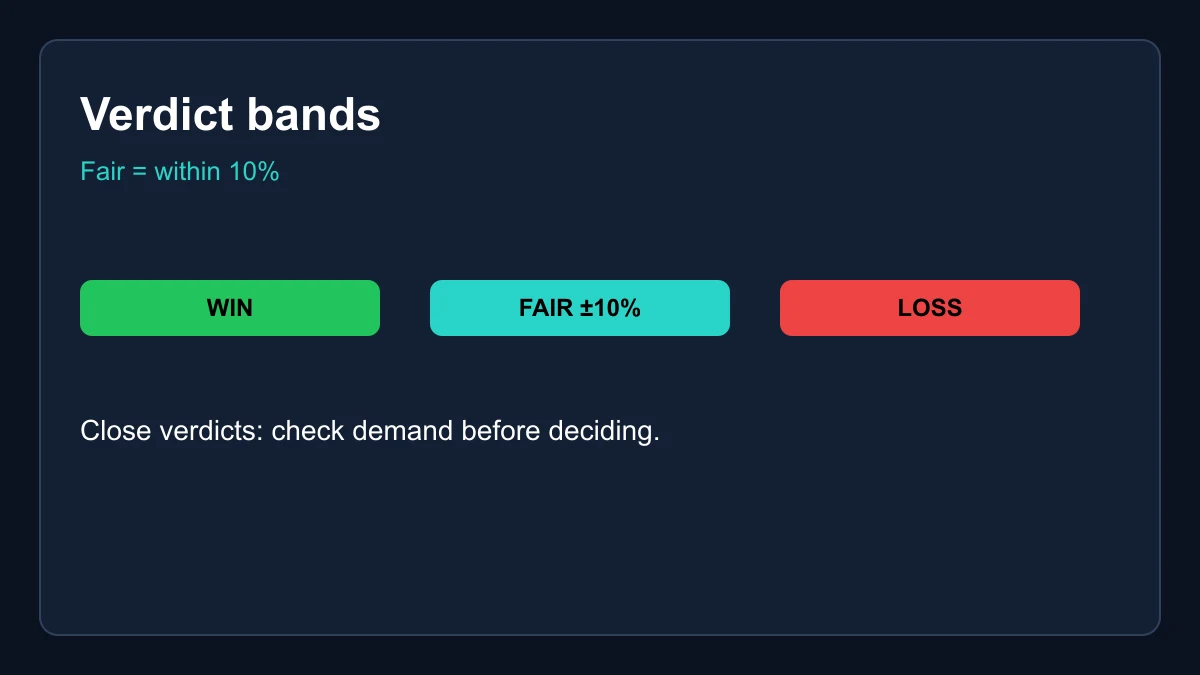
The verdict bands are deliberately simple. If the smaller side is worth at least ninety percent of the larger side, the deal is graded fair — real negotiations always wobble a few percent around the consensus rate, and calling every tiny gap a loss would make the tool useless. Outside that band, the grade follows the money: receiving more than you give is a win, giving more than you receive is a loss. The totals sit right under the banner so you can see how far apart the sides actually are, not just which side of the line you landed on.
Physical or Perm: tick the right box
The single most common mistake people make in the Blox Fruits trade calculator is mixing up the two forms of a fruit. A physical Dragon and a permanent Dragon differ in worth by a factor of three to four, and for cheaper fruits the multiple is even steeper. If the other side is offering a perm, tick the Perm box for that row; if they are offering the physical item from their inventory, leave it unticked. One wrong checkbox can flip the verdict from loss to win and set you up for a very bad afternoon.
Be especially careful with offers that sound like perms but are not. Someone gifting you a fruit from the dealer during a stock window is handing you a physical copy, not a permanent one, no matter what the chat window promises. When in doubt, look at the actual trade screen: permanent fruits are labeled as such in the game UI. Price what is actually in the window, not what was described three messages ago.
Blox Fruits trade calculator vs guessing in chat
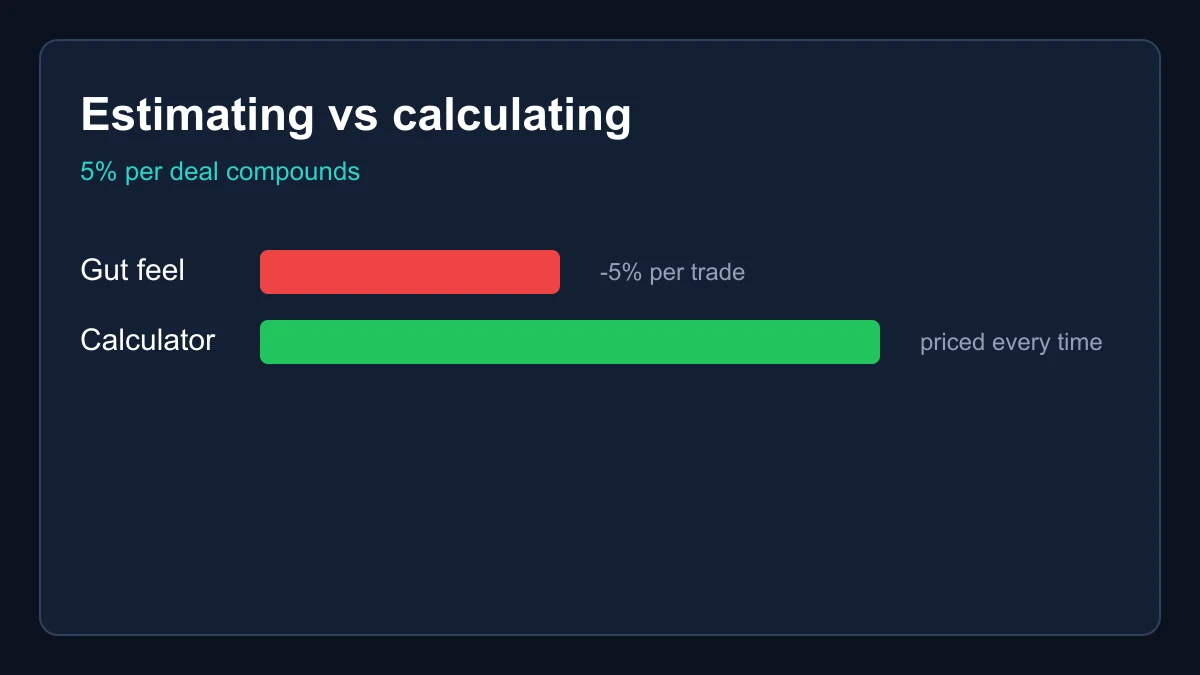
Most bad deals in Blox Fruits do not come from malice — they come from estimating. A trader half-remembers that Dough sits somewhere near Portal, rounds a Buddha up because it feels premium, forgets that the physical copy of a Mythical is a fraction of its perm, and suddenly a swap that felt even is fifteen percent underwater. The calculator exists to replace that guesswork with the actual consensus numbers, applied consistently to both sides of the fruits window every single time.
The difference compounds over a trading career. If you complete three trades a week and estimation costs you an average of five percent per deal, you are quietly donating a mid-tier fruit to the market every month. Traders who price every deal — even obviously good ones — build inventories measurably faster, because the discipline catches the occasional disaster deal that gut feel waves through. Load the trade, read the verdict, then negotiate. The thirty seconds is the cheapest insurance in the game.
Reading a verdict like a trader
A fair grade does not automatically mean you should accept, and a small loss does not automatically mean you should walk. The calculator prices the fruits; you still have to price the situation. Demand matters: swapping a slow-moving fruit for a slightly cheaper one that trades instantly is often the right call even at a nominal loss, because liquidity has value the sticker number does not capture. Check the demand column on the value list when the verdict is close.
Overpay works the same way. Top-tier fruits like Dragon and Kitsune carry an overpay expectation — their owners want more than sticker, and the market accepts that. If the calculator says you are winning slightly on a deal where you receive a Dragon, the owner probably will not take it; if it says you are losing ten percent to acquire one, that may simply be the going premium. The tool gives you the number; the badge on the value list tells you when the number needs a mental markup.
Share a Blox Fruits trade calculator link
Every deal you build here is encoded into the page link when you hit the share button — the button also copies the address to your clipboard. Send it to the other trader, a friend or your Discord server and they will see exactly the same sides, totals and verdict you do. It is the fastest way to settle a negotiation dispute, because both parties are suddenly looking at the same arithmetic from the same value list instead of shouting numbers past each other.
The link trick has a second use: records. Keep the links of deals you are considering, and you have a paper trail of what was offered and what it was worth at the time. Values drift week to week, so a link you saved before a calibration pass may grade differently after it — which is itself useful information about which way your deal has been moving.
When the numbers say walk away
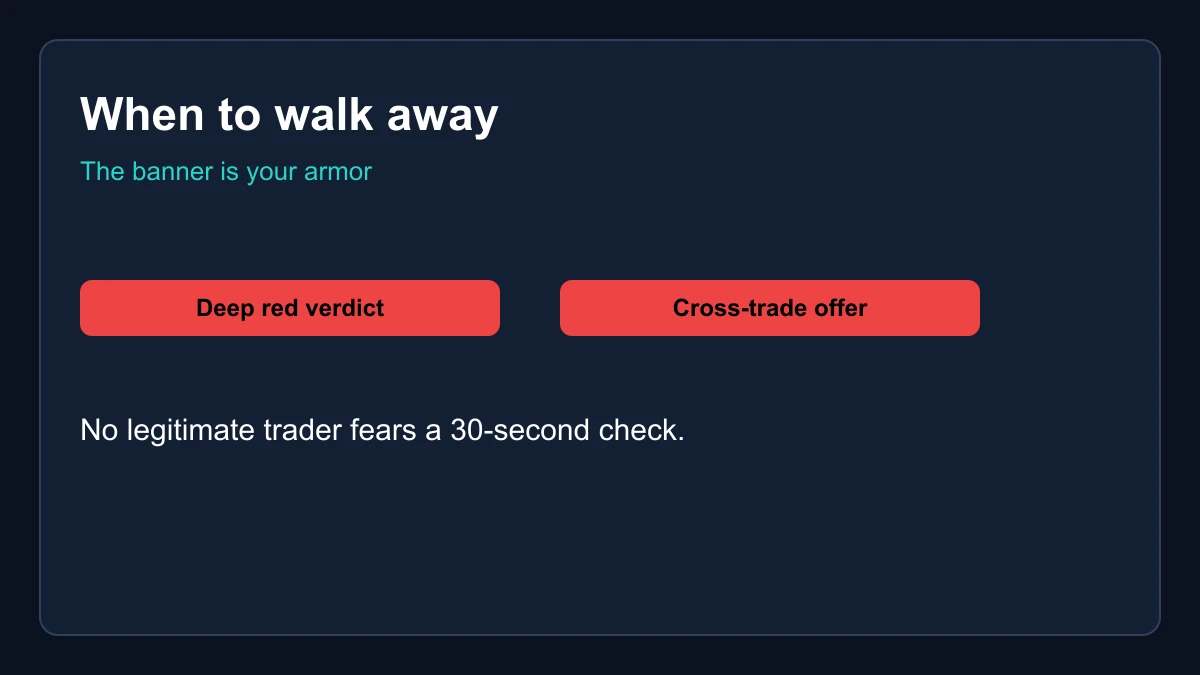
The verdict banner is your scam armor. The pressure plays that work in a fast-moving chat — the countdown, the fake generosity, the friend-of-a-friend vouch — all fall apart when you calmly load the offer into the Blox Fruits trade calculator and the banner comes back deep red. No legitimate trader is offended by thirty seconds of checking; the ones who push you to skip it are telling you everything you need to know.
Walk away too when the deal depends on anything the calculator cannot see: promised future payments, items in other games, Robux, gift cards or account sharing. Those are unenforceable, against the rules and overwhelmingly scams. The strongest position in any negotiation is being ready to decline, and knowing the exact worth of both sides is what makes declining easy. Price the deal, trust the arithmetic and let the market bring you a better offer.
Frequently asked questions
Is the Blox Fruits trade calculator free?
Completely. No login, no limits and no ads gating the verdict — it runs entirely in your browser using our weekly-calibrated value data, works offline once the page is cached, and you can share any deal with the generated link.
What counts as a fair trade?
The tool grades a deal fair when the smaller side is worth at least ninety percent of the larger side. Real-world deals always wobble a few percent around consensus, so a hard equality test would misgrade normal trades.
Why does my deal grade differently than last week?
Values recalibrate weekly against live trading activity. A deal saved before a calibration pass can change grade after it if any fruit involved moved up or down. The date badge at the top of the page shows the data version currently being used.
Does the calculator handle permanent fruits?
Yes — tick the Perm checkbox when adding a fruit and it prices the permanent form, which runs five to forty times the physical worth depending on the fruit.